Notion
Build a Notion Workflow for Website Feedback That Does Not Lose Context
Use WebAnnotates with Notion to organise website feedback, preserve visual context, improve requests with AI, and keep teams aligned from review to release.
Notion is flexible enough to hold a product backlog, client review log, launch plan, or design decision record. That flexibility can become a liability when feedback arrives as detached notes and no one knows which version of a page a comment refers to. A context-first workflow keeps Notion useful without making the database noisy.
Use Notion for decisions, not for reconstructing the page
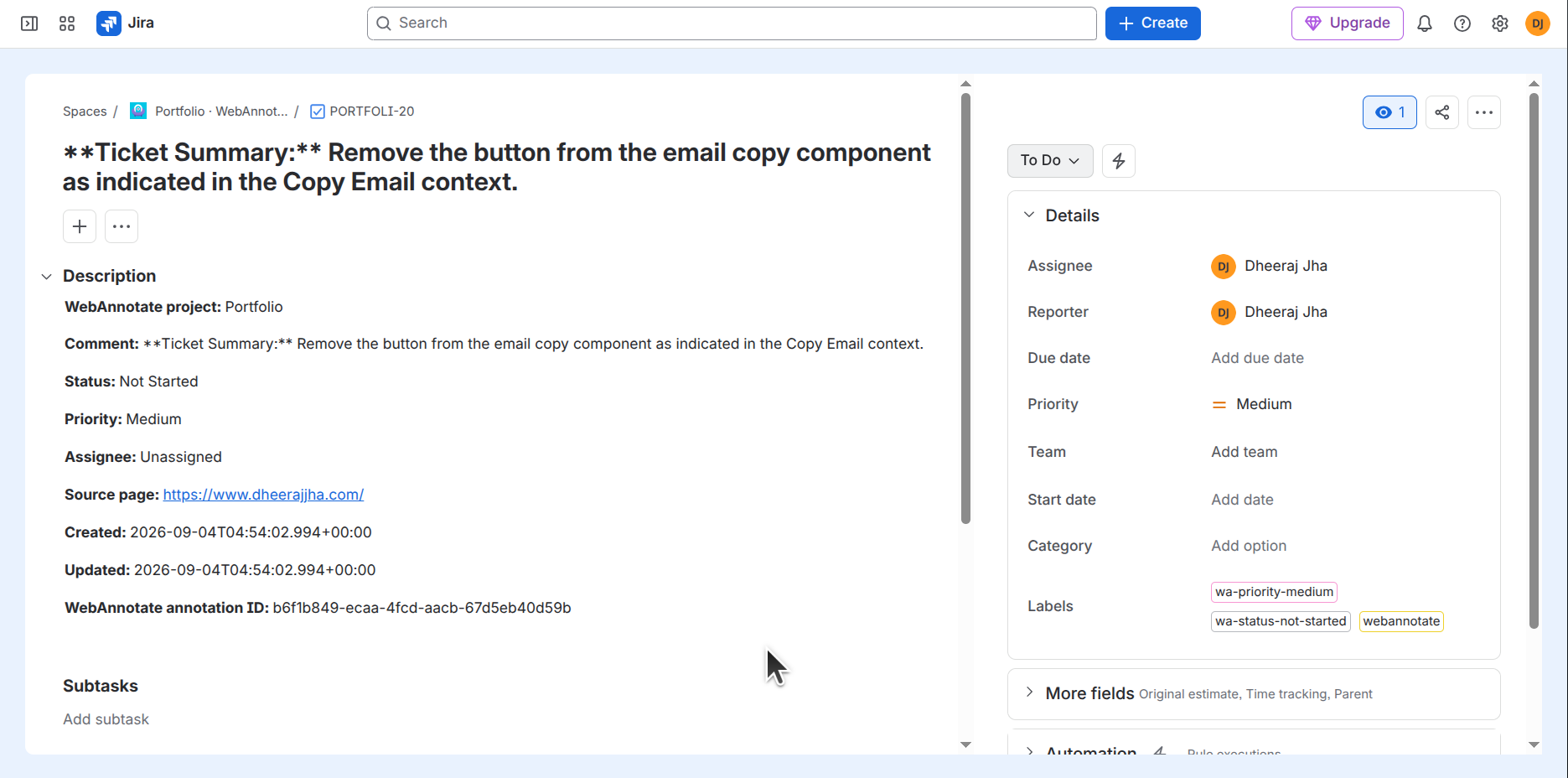
A well-designed feedback database should let a team sort requests by status, owner, priority, release, or client. It should not require a reader to infer the target element from a vague title. WebAnnotates provides the visual origin of the request before it becomes a database entry.
The resulting Notion item can stay concise: a clear brief, link or context reference, responsible owner, and relevant decision fields. The source remains available when someone needs to revisit the page.
Design properties around decisions
It is tempting to create a property for every possible detail. Start with the decisions your team makes repeatedly: is the item ready, who owns it, what release is it part of, and what type of change is it? Keep the rest in the feedback record or the linked work.
For client-facing reviews, add a clear approval state. That makes it easy to separate open observations from agreed changes and prevents implementation work from starting on a comment that was only exploratory.
Use AI enhancement before database clutter begins
Not every raw comment needs to become a polished document. The right moment to enhance a note is before it becomes a task another person must interpret. AI can make the observation and requested outcome easier to scan, while the original wording remains available for reference.
This is especially helpful for mixed teams where client, marketing, product, and engineering contributors all add feedback in different styles.
Create a review-to-release cadence
Set a predictable rhythm: collect page feedback, clarify what is ready, assign work, review the proposed result, and mark published changes. Notion can make that cadence visible with views for triage, active work, awaiting review, and released updates.
The aim is not more process. It is fewer moments where a team has to ask what a feedback item actually meant.
Put the workflow into practice
Keep website feedback connected to the work it creates.
Capture context on the live page, create a clear brief, sync the task, assign the right provider, and keep a human in the review loop.
Start with WebAnnotatesQuestions
Frequently asked questions
Is Notion a good place for client website feedback?
It can be, especially when it is used for shared review and approvals. Pairing it with page-level context makes records easier for both clients and implementation teams to understand.
What should a Notion feedback record include?
At minimum: a clear brief, source context, status, owner, priority, and a defined review or approval state.