
Workflow
How WebAnnotates Turns Website Feedback Into Shipped Changes
Learn how WebAnnotates keeps page context, improves feedback with AI, syncs tickets, assigns coding work, and supports human review before release.
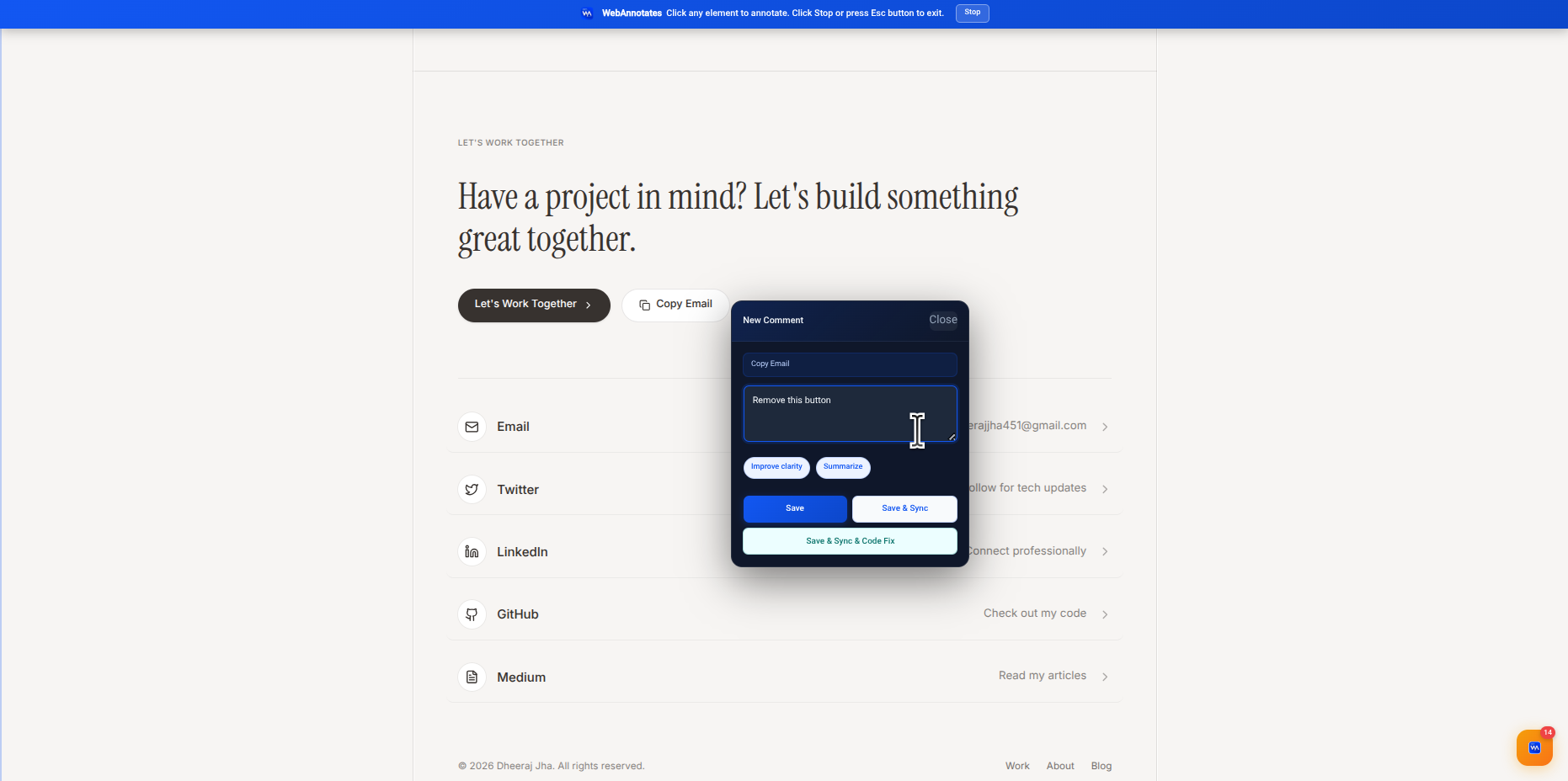
Most website feedback breaks down during the handoff. A reviewer knows what they saw; the person doing the work receives a shortened note in a different tool, without the page state, target element, or intent. WebAnnotates is designed to keep that chain intact from the first annotation through an approved change on the hosted site.
The problem is not feedback. It is lost context.
A note such as “this feels confusing” can be useful when the reviewer is looking at the page. Once it reaches a project board, it often becomes a guessing game. Which component is being discussed? What was visible around it? Is the requested change visual, functional, or editorial?
WebAnnotates starts with the live page rather than a detached form. An annotation can point to the relevant element and preserve the original observation alongside the request. That gives the next person a reliable starting point instead of a vague summary.
- Element-level feedback where the issue appears
- A shared record of the original note and page context
- A workflow that can continue into project management and implementation
1. Capture feedback on the live website
The first stage is deliberately simple: open the website, select the part that needs attention, and leave a note. This is useful for UX issues, content changes, visual bugs, responsive problems, and product feedback because the request begins exactly where the evidence is.
The goal is not to force a reviewer to write a perfect technical specification. It is to preserve enough context that the next step can turn a useful observation into a dependable task.
2. Enhance a rough note into an implementation brief
Reviewers should be able to write in the language of the problem. AI enhancement helps turn that raw input into a clearer brief: what is observed, what should change, and what outcome is expected. The original note remains important because it holds the intent behind the edited version.
A good brief does not pretend to know every implementation detail. It makes the requested outcome testable and flags assumptions that need a human decision. That is particularly helpful when product, design, engineering, and clients use different vocabulary.
3. Sync the work to the system your team already uses
Once the feedback is ready, WebAnnotates can send it to Jira or Notion. The ticket is not a separate retelling of the request; it is the project record for the context-rich work already captured. Teams can keep their existing prioritisation, ownership, sprint, and reporting practices.
This separation matters. WebAnnotates handles the visual-feedback layer, while Jira or Notion remains the place where the wider project is planned and tracked.
4. Assign implementation, then keep humans in the release loop
A ticket can be assigned to the AI provider your team uses for planning, implementation, or code review. Depending on your setup, that may include a connected cloud provider or a paired local coding-agent runner. The implementation receives a clearer brief and the surrounding context needed to act responsibly.
Generated work is not the same as an approved release. A person should review the proposed change, check it against the original request, and accept it before publication. The final outcome is a traceable path from a live-page observation to a live-page update.
Put the workflow into practice
Keep website feedback connected to the work it creates.
Capture context on the live page, create a clear brief, sync the task, assign the right provider, and keep a human in the review loop.
Start with WebAnnotatesQuestions
Frequently asked questions
Does WebAnnotates replace Jira or Notion?
No. It adds page-level feedback and an AI-assisted handoff before syncing the task to the system your team already uses.
Can a human review AI-generated work?
Yes. Review is a core stage of the workflow; an approved change should be checked by a person before it is published.