
Better feedback
How to Write Website Feedback Developers Can Use
A practical framework for writing clearer website feedback: point to the element, describe the observed problem, state the outcome, and define how to review it.
Useful feedback is not about sounding technical. It is about giving the person who will make the change enough information to understand the situation, the desired outcome, and the way success should be checked. The fastest teams make feedback specific without turning every comment into a long specification.
Start with the exact place, not the conclusion
“The checkout is broken” leaves a developer searching. “On the shipping step, the Continue button is below the fold on a 390px-wide screen” gives a reproducible starting point. The distinction is not cosmetic; it changes how quickly the issue can be verified.
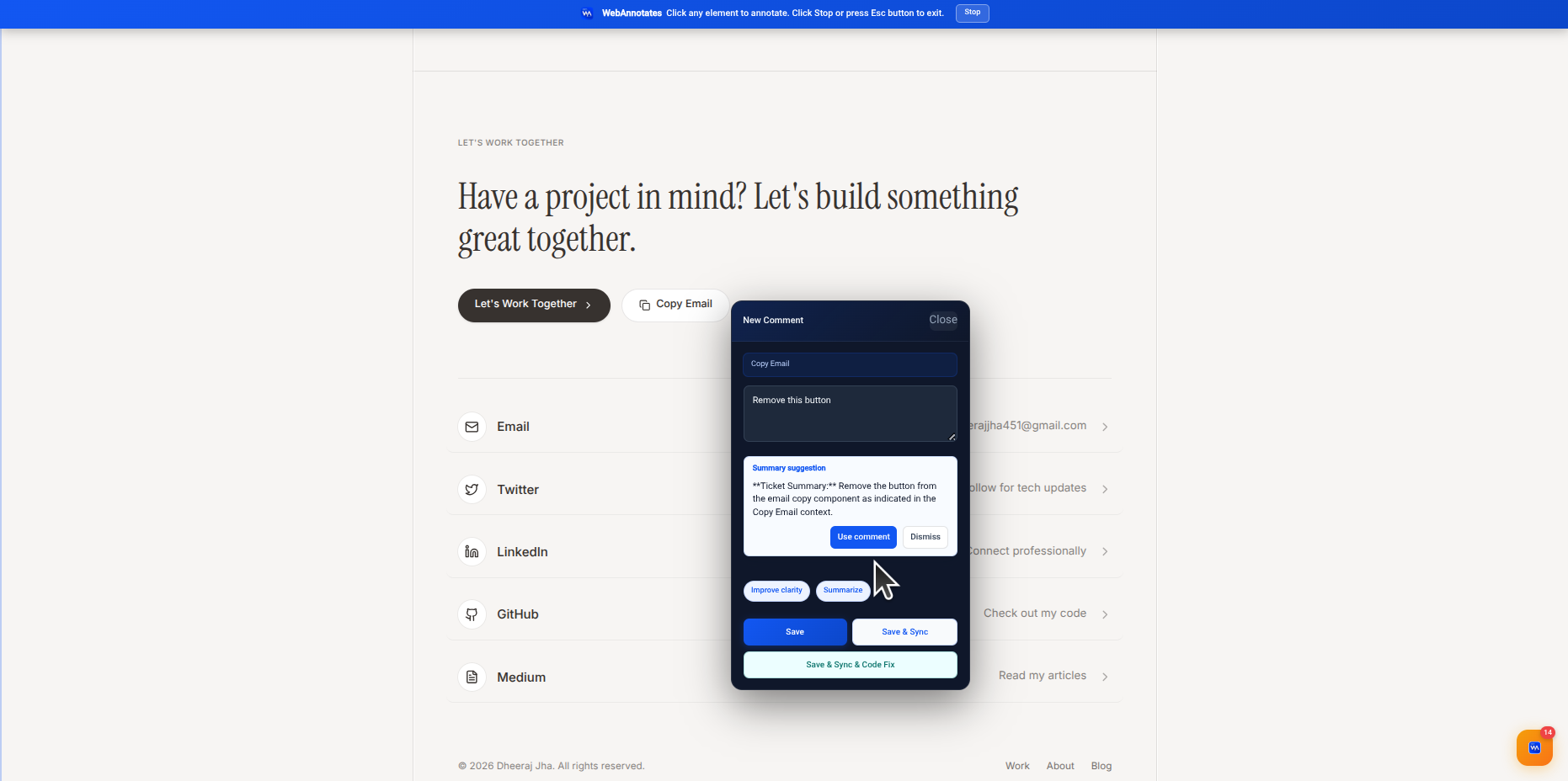
Use a live-page annotation whenever possible. It anchors the request to the component or element and reduces the chance that names, layouts, or screenshots become stale before the work begins.
Describe what you observed before prescribing a solution
A solution can be valuable, but it should not hide the underlying problem. State what happened, who it affects, and under what condition it occurs. This allows the implementation owner to choose an approach that fits the codebase and avoids a fix that only addresses the visible symptom.
For example: “The primary action has low contrast in the dark hero, so first-time visitors may miss it. Make the primary path visually dominant while preserving the secondary action.” That explains both the observation and the intended result.
Use a four-part brief
A lightweight structure makes reviews easier to scan and easier to turn into tickets. WebAnnotates can help improve rough notes, but reviewers get better results when they consistently provide the information the model and implementation owner need.
- Location: where on the page or in the flow is the issue?
- Observation: what happens now, and under what conditions?
- Desired outcome: what should a visitor, user, or teammate be able to do instead?
- Review check: how will someone know the change is correct?
Keep acceptance checks concrete
A request becomes much easier to close when it contains a simple review check. For visual work, that might be a mobile width, a particular page state, or a before-and-after expectation. For functional work, it may be a user action and the expected result.
Avoid turning the check into an invented metric. Use observable language: the button remains visible without scrolling, the empty state explains the next action, or the selected plan is reflected in the confirmation screen.
Put the workflow into practice
Keep website feedback connected to the work it creates.
Capture context on the live page, create a clear brief, sync the task, assign the right provider, and keep a human in the review loop.
Start with WebAnnotatesQuestions
Frequently asked questions
Should non-developers write technical implementation instructions?
Not necessarily. They should describe the user-facing problem and outcome clearly. The implementation owner can decide the technical approach.
What makes feedback actionable?
A clear location, the observed problem, the desired outcome, and a way to review the completed change.