
Quality assurance
How to Review AI-Generated Website Changes Before They Go Live
A human-centred checklist for reviewing AI-generated website changes across product intent, UX, accessibility, responsive behaviour, technical quality, and release readiness.
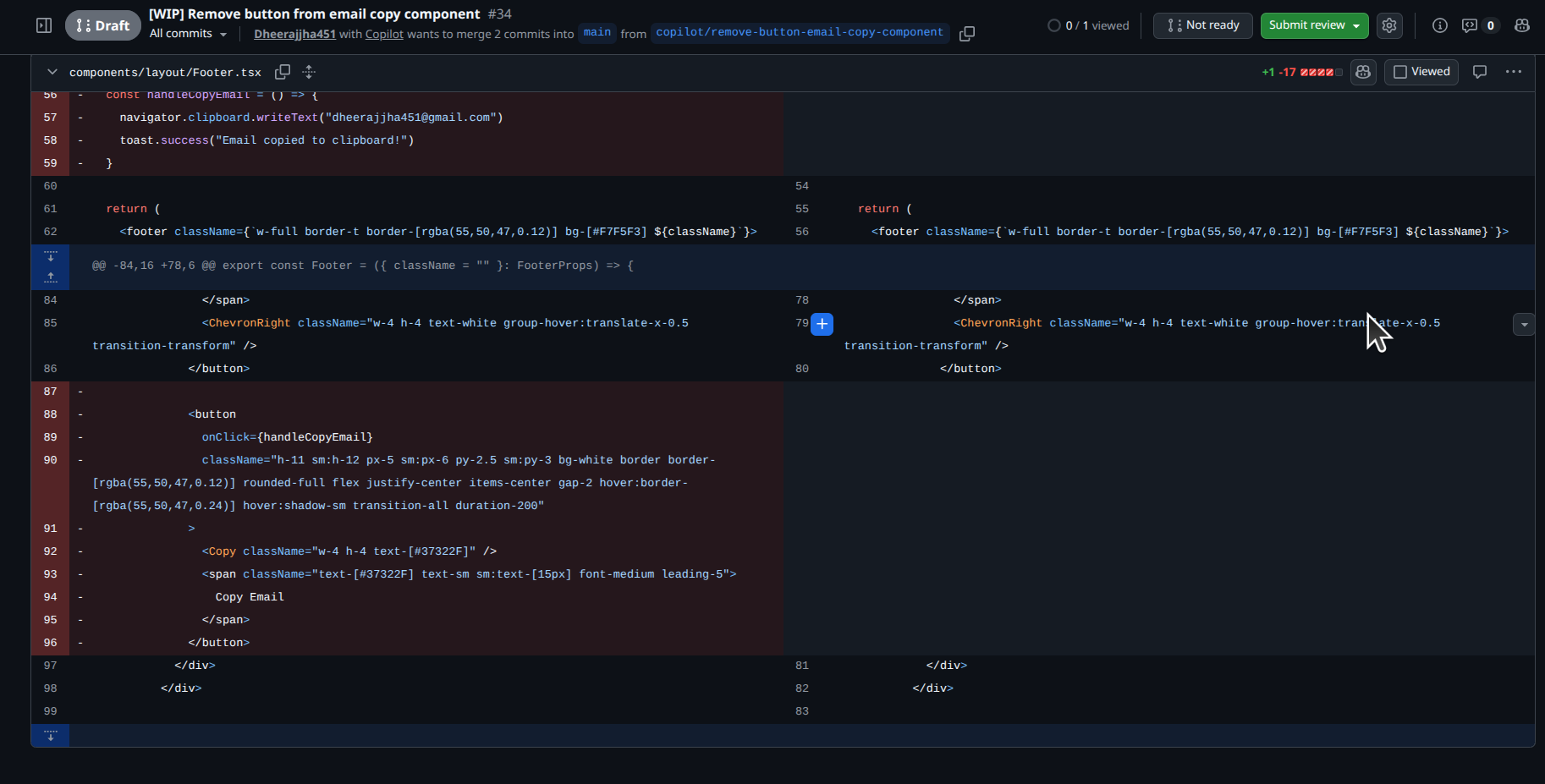
AI can accelerate implementation, but it does not own the customer experience or the release decision. A thoughtful review compares the proposed change to the original intent, examines the affected user path, and checks the details that are easy to miss in a generated diff.
Begin with the original request
Start by reading the annotation and the approved brief before reviewing the result. This prevents the implementation from becoming the definition of success. Ask: did the change solve the problem the reviewer observed, or did it merely alter the visible component?
This is where preserved context matters. The reviewer can look at the same page area and intent that initiated the task rather than relying only on a commit message.
Review the user experience, not just the happy path
Check the primary flow and the states around it. A CTA change should be examined at the relevant screen sizes; an empty-state change should be examined with no data; a form change should be checked for validation, keyboard access, and error recovery where applicable.
The appropriate depth depends on risk. A copy adjustment and a checkout interaction should not have the same review plan.
Use a release checklist that fits the change
A concise checklist is better than a generic wall of requirements. Choose checks that directly relate to the request and add broader checks for shared components or high-impact flows.
- The original user-facing problem is resolved
- Desktop and mobile behaviour are appropriate for the affected page
- Relevant loading, empty, error, or authenticated states still work
- Accessibility and visual hierarchy have been considered
- The change has a named human approver
Document the approval decision
Approval should be visible in the same workflow that contains the request. A short note about what was reviewed, what changed, and any follow-up work helps future reviewers understand why the release was accepted.
If the work is not ready, send it back with specific feedback tied to the proposed result. That keeps the second loop focused rather than reopening the entire request.
Put the workflow into practice
Keep website feedback connected to the work it creates.
Capture context on the live page, create a clear brief, sync the task, assign the right provider, and keep a human in the review loop.
Start with WebAnnotatesQuestions
Frequently asked questions
What is the most important thing to review?
Whether the change solves the original user-facing problem. Code quality matters, but the implementation must first satisfy the product intent.
Should every AI-generated change be tested manually?
The level of testing should match the risk and the affected user path. Human review remains important for acceptance and release decisions.